 Skip to content
5 Free Tools You Can Start Learning Today (That Clients Actually Pay For)
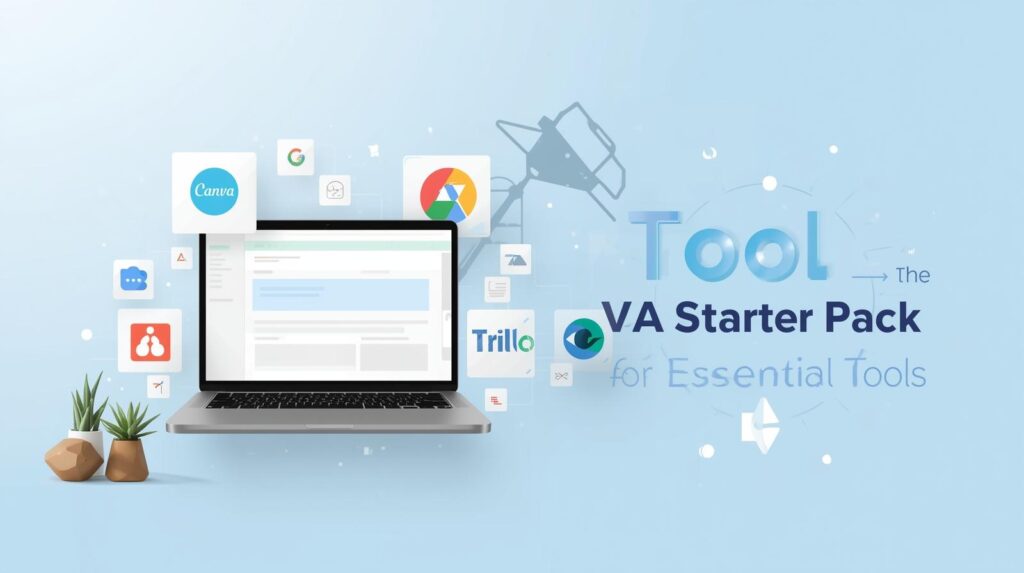
A common misconception about remote work is that you need expensive software to get started. People think they need to buy Photoshop, Microsoft Project, or complex coding programs.
The truth? The most popular tools used by million-dollar companies are often free (or have free versions).
You can start playing with these tools on your phone or laptop right now. But be warned: Downloading them is easy. Using them to run a business is a skill.
Here are the top 5 tools we teach at Champions Coaching Academy that you should have on your radar.
1. Canva (For Design)
You don’t need to be a graphic designer to create stunning social media posts, presentations, or documents. Canva is the “gateway” design tool for VAs.
The Client Need: “Can you quickly make a birthday graphic for our Instagram?”
Your Job: Whip it up in Canva in 10 minutes.
2. Trello / Asana (For Project Management)
Sticky notes don’t work for remote teams. Companies use digital boards to track “To-Do,” “Doing,” and “Done.”
The Client Need: “Where are we on the launch project?”
Your Job: Update the Trello card and tag the team.
3. Google Workspace (For Everything)
It’s not just Gmail. It’s Google Docs (collaborative writing), Google Sheets (data), and Google Calendar (scheduling).
The Client Need: “Manage my calendar and make sure I don’t miss the Zoom call.”
Your Job: becoming a wizard at time-blocking and inbox management.
4. Loom (For Communication)
Typing long emails is slow. Loom allows you to record your screen and voice to send quick video updates.
The Client Need: “Show me how to fix this error.”
Your Job: Record a 2-minute Loom video explaining the solution.
5. ChatGPT (For Speed)
We mentioned this before, but it bears repeating. Using AI to draft emails, summarize articles, or brainstorm ideas is now a standard requirement.
The Difference Between “User” and “Pro”
You might have some of these apps on your phone already. But do you know how to use them commercially?
Anyone can open Canva. A Pro knows about brand kits and typography.
Anyone can open Trello. A Pro knows how to set up automations and workflows.
At Champions Coaching Academy, we take you from “I’ve heard of that app” to “I am an expert in that app.”
Stop playing with apps and start profiting from them.
Send us a message to apply for the Virtual Assistance & Remote Work Mastery Course. We will teach you the professional workflows that turn these free tools into a paycheck.
